Step 1: Download a CET database version from CEDARS
Step by step instructions to find and download a CET database from CEDARS.
Written By cedars team
Last updated About 1 month ago
CET database versions are posted to the Documentation Resources box in the lower right on the CET specification page in CEDARS. The most recent CET version releases are at the top of the list. Each CET version is provided as a zipped SQL Server backup file. The files can be large; the latest release is 730MB zipped.
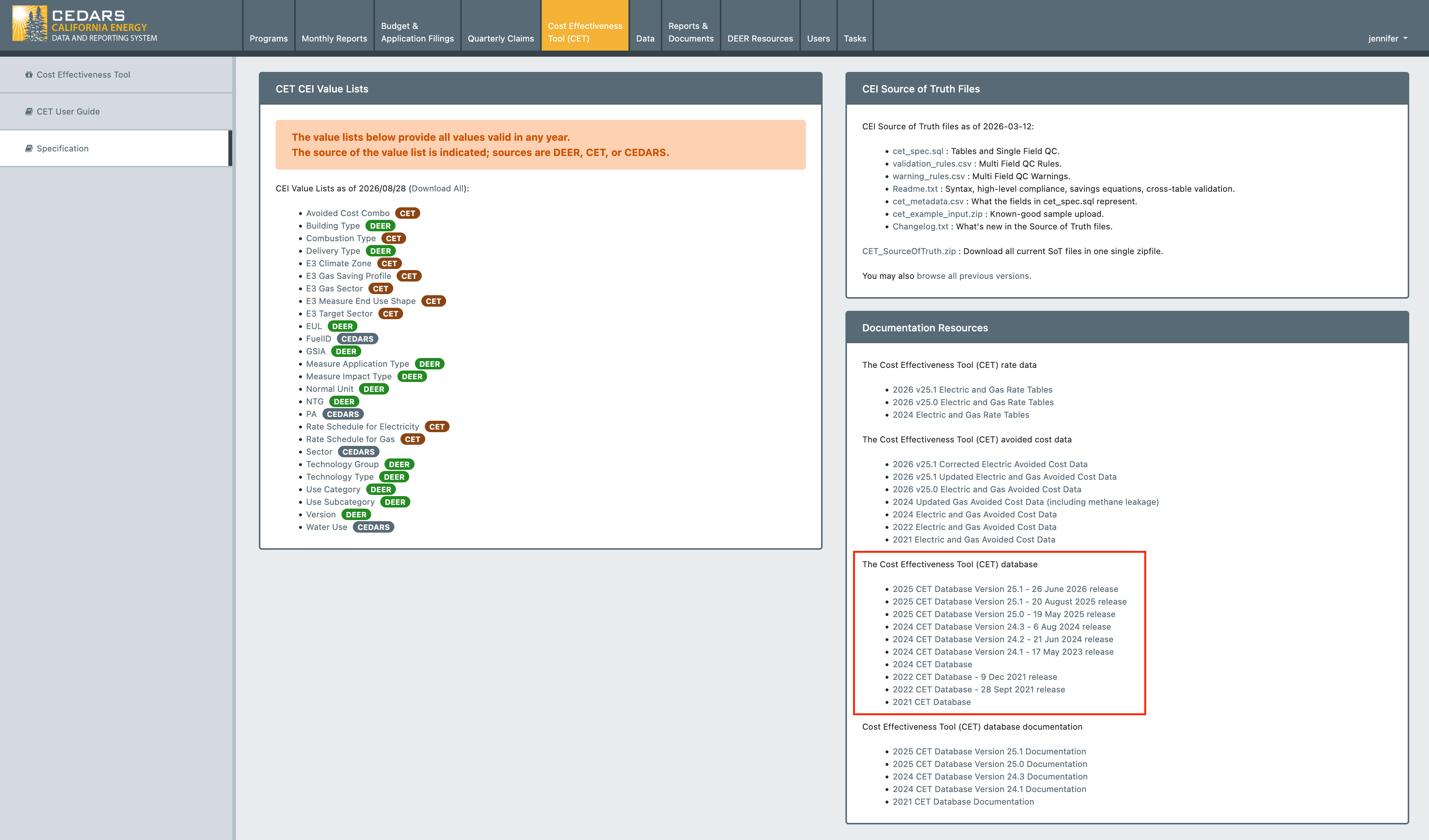
Download CET steps
Select the version of the CET you want to run and click the link.
In the page that opens, again select the database and click download.
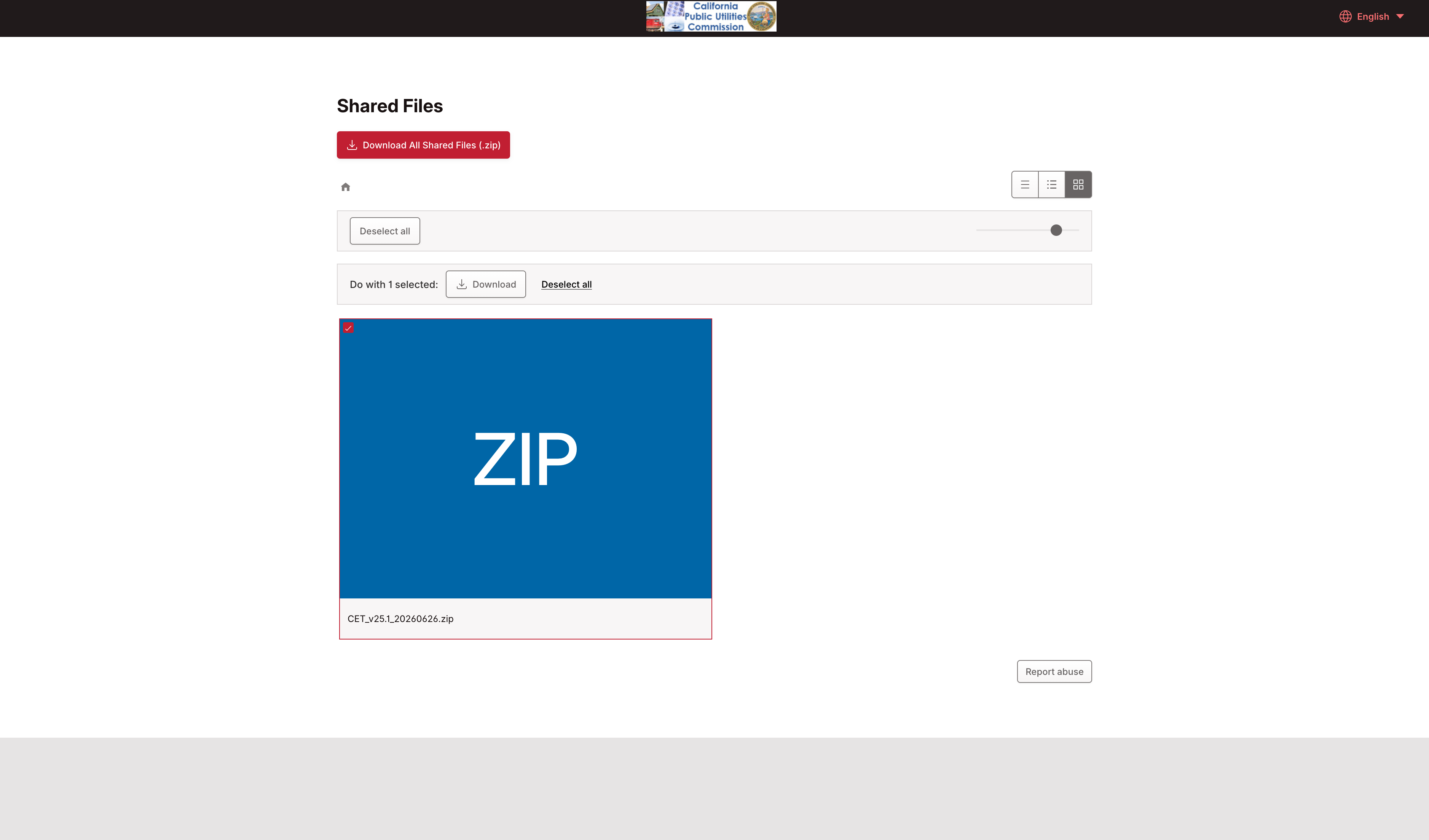
The file download page showing the zip file and the download button.
Wait while the file downloads. Depending on your internet connection speed, it could take only a few seconds or longer.
Unzip the file to reveal the
.bakfile that is the SQL Server backup.
Was this helpful?
Still need help? Ask the team