New Participant Table
https://cedars.cpuc.ca.gov/claims/specification/data-rules-participant/
A new Participant table has been added to Claim uploads for Program Administrators to report the types and number of participants at the program level.
The table includes the following fields:
PrgID
PrgYear
ParticipantType
SiteID
ParticipantCount
EquityTargeted
DAC
HTR
Underserved
Comments
The Participant table uses a compound primary key made up of PrgID, PrgYear, ParticipantType, and SiteID. Each record must have a unique combination of PrgID, PrgYear, ParticipantType, and SiteID, ignoring letter case. This structure allows a single program site to be associated with multiple participant types. A record with a null SiteID is interpreted as applying to all sites for the given PrgID.
When a new Participant submission is successfully submitted, the old Participant data linked to that submission is replaced with the data from the latest successful submission. Participant records that are not included in the latest successful submission are removed.
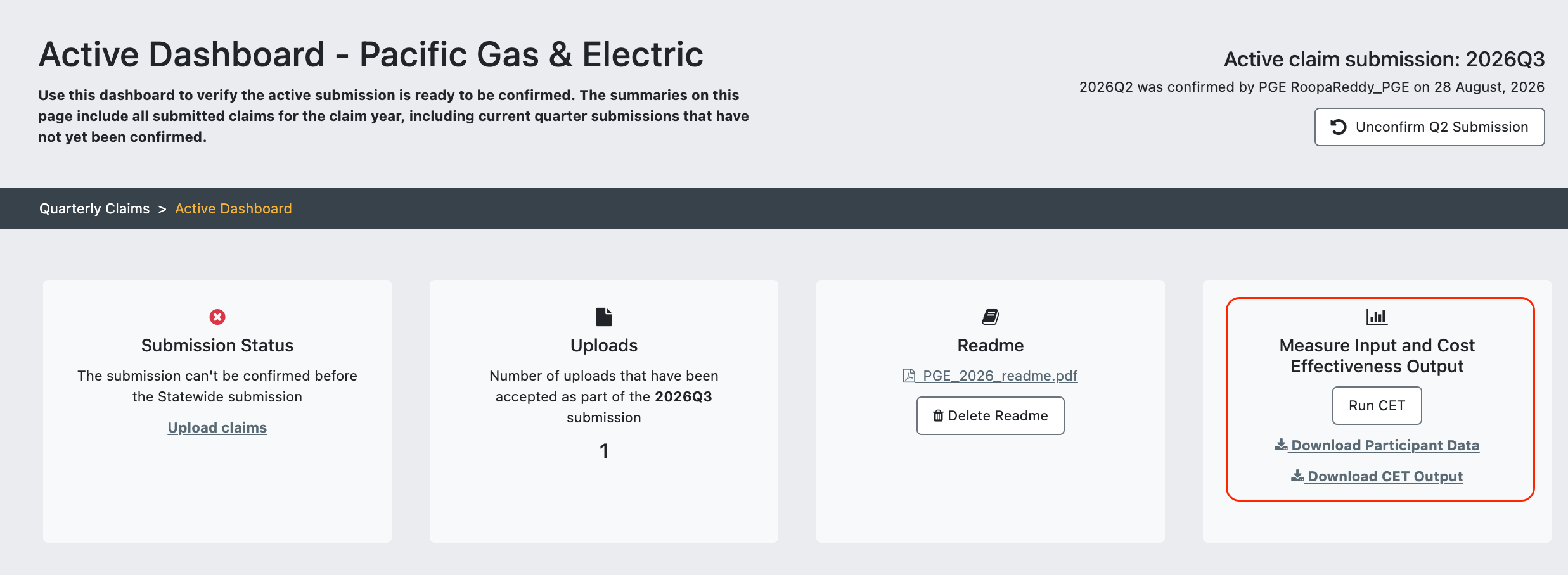
For both local and statewide claims, uploaded Participant table data can be found in the “Download Participant Data” file on the active dashboards, and in the “Record-level Measure Input and Cost Effectiveness Output” card ZIP file as a standalone CSV ([PA.code]_participant_data_2026.csv) on the confirmed dashboards.
Inline guidance on the Participant table is available in both the Local and Statewide upload interfaces.
Table Changes
ADDED FIELDS
Claim.ElectricMasterMeter_Flag and Claim.GasMasterMeter_Flag (true/false)
Identify master-metered multifamily properties, distinguishing between electric and gas master metering, to support improved segmentation and analysis of program impacts.
Claim.ParticipantID (text)
Links SEM projects across multiple years so multi-year SEM claims can be tracked, including no-savings claims in inactive years. Required for SEM claims; optional for non-SEM claims.
Measure.UnitTaxCredits (numeric)
Captures Inflation Reduction Act tax incentives to be included with other benefits in the CET TRC calculation.
Measure.FuelID (text)
Identifies the fuel type for a measure so fuel substitution and VEA eligibility can be correctly classified. Accepts only values from the new FuelID value list when populated.
PII_Site.CensusTract (11-character format)
Adds census tract data to sites so program activity and impacts can be analyzed geographically for equity and market coverage.
PII_Site.BusinessName (text)
Captures the actual business name associated with a site for accurate identification and contact.
REMOVED FIELDS
Claim.IDSM_DR
Claim.IDSM_DER
RENAMED FIELDS
CalEPA_Flag to DAC_Flag
Value List Changes
ADDED VALUE LIST
FuelID
New CEDARS value list FuelID, used to validate Measure.FuelID.
ParticipantType
New CEDARS value list ParticipantType, used to validate Participant.ParticipantType.
EDITED VALUE LIST
FundingCycle: Added new value 2026
MeasDetailID: The date filter that limits value-list options to eligible start dates now rolls forward by one year at year turnover. Extends the cutoff through the end of 2026 to keep the list performant while surfacing the correct upcoming options for the current claim year.
Validation Changes
Participant table
Participant table validation
Participant record uniqueness is enforced on the combination of PrgID, ParticipantType, PrgYear, and SiteID (case-insensitive); duplicate combinations are rejected.
Participant.SiteID matches a valid Site.SiteID when populated. A null-SiteID Participant record cannot coexist with populated-SiteID records for the same PrgID, PrgYear, and ParticipantType, and vice versa.
Participant.PrgID validation
Participant.PrgID is in the Program valuelist.
Participant.PrgYear validation
Participant.PrgYear is for the current claim year.
Participant.ParticipantCount validation
Participant.ParticipantCount is an integer greater than or equal to 1.
Claim table
Claim.ParticipantID validation
Claim.HTR_Flag validation
Claim.HTR_Flag must be False when no valid HTR combination is met, with sector-specific rules applied separately for Residential and Non-Residential.
(Option 1)
(Option 2)
(non-res)
HTR_Flag is true if OMBCSA_Flag is true and NRSize_Flag is true
HTR_Flag is true if OMBCSA_Flag is true and NRLease_Flag is true
HTR_Flag is true if OMBCSA_Flag is true and LG_Flag is true
HTR_Flag is true if DAC_Flag is true and NRSize_Flag is true
HTR_Flag is true if DAC_Flag is true and NRLease_Flag is true
HTR_Flag is true if DAC_Flag is true and LG_Flag is true
(res)
HTR_Flag is true if OMBCSA_Flag is true and ResLI_Flag is true
HTR_Flag is true if OMBCSA_Flag is true and ResMFMH_Flag is true
HTR_Flag is true if DAC_Flag is true and ResLI_Flag is true
HTR_Flag is true if DAC_Flag is true and ResMFMH_Flag is true
(Option 3)
(non-res)
(res)
Claim.SEM_Phase validation
Measure table
Measure.UnitMeaCost2ndBaseline validation
Second baseline cost is required when second baseline savings are populated.
Measure.FuelID validation
SavingsDate output validation
The validation logic has been updated to include 2026 DeliveryType values: Down, DI, Mid-Retail, Mid-Distr, Up-Manuf.
When Measure.DeliveryType = 'Up-Manuf' and Claim.ClaimType = 'Deemed'
When Measure.DeliveryType = 'Mid-Distr' or Measure.DeliveryType = 'Mid-Retail' and Claim.ClaimType = 'Deemed'
When Measure.DeliveryType = 'Down' and Claim.ClaimType = 'Deemed'
SavingsDate = PermitIssuanceDate
If PermitIssuanceDate is null, SavingsDate is set to the earliest date of ApplicationDate, InstallationDate, or ComplianceCertDate
When Measure.DeliveryType = 'DI' and Claim.ClaimType = 'Deemed'
SavingsDate = PermitIssuanceDate
If PermitIssuanceDate is null, SavingsDate is set to the earliest date of ApplicationDate or InstallationDate
PII Site
PII_Site.CensusTract validation
Re-ordering of Measure and ProgramCost fields in Claim Specification
The fields in the Measure and ProgramCost data rules pages have been re-ordered to align with the field order required by the CET module.
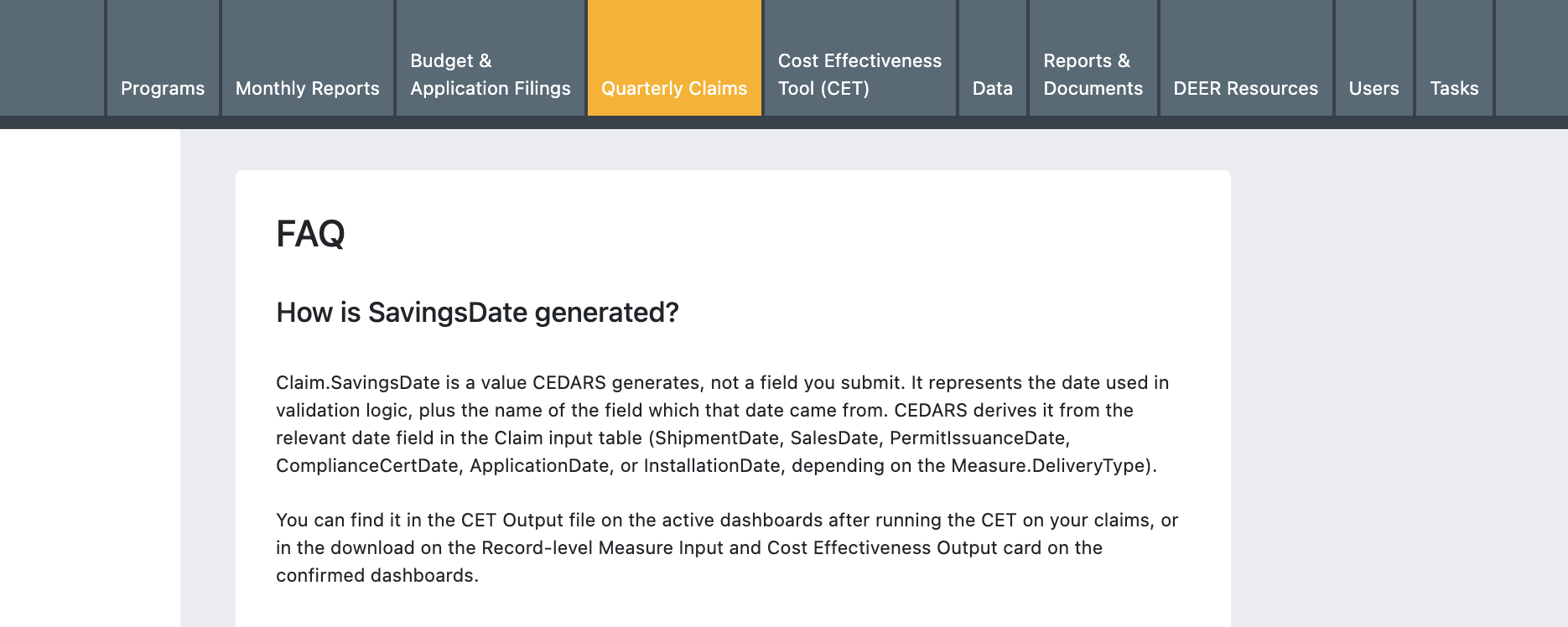
Clarified SavingsDate as a CEDARS-Generated Field
Claim.SavingsDate has been removed from the Specification as an input because it is a CEDARS-generated field. A description of how SavingsDate is generated has been added to the Claims User Guide.
Data Processing Updates
Societal Cost (SCT) Outputs
SCT Base and SCT High are now displayed in local and statewide Claims dashboards and included in dashboard table downloads, aligning Claims outputs with the CET and matching the implementation already in place for Budget Filings (MCAL).
TRC, PAC, and RIM Alignment with CET
TRC, PAC, and RIM formulas in Claims dashboards have been updated to match CET outputs, so results are consistent across tools.
SavingsDate field download from the Active Dashboard
The SavingsDate field has been removed from the the “Download Claim Inputs” file and added to the “Download CET Output “ file instead, because SavingsDate is a CEDARS-generated field rather than a stakeholder-submitted input.
Impact Profile Source
New output field ImpactProfileSource identifies the source of the impact profile used in a claim (DEER, TOU, or Custom) without requiring additional PA input. Available for both statewide and local claims and included in all specified record-level downloads.
Record-Level Download (Data Tab/Confirmed Dashboards) Updates
The Claims record-level download now reflects all 2026 Claims input changes and CET v25.1 outputs. The new Participant data CSV is exportable as a standalone file zipped alongside the record-level data, for all CEDARS users with record-level download access. Existing export functionality is otherwise unchanged.
Record Level Data Now Updates After Statewide Confirmation
The Claims Record Level Data download now refreshes when Statewide claims are confirmed and allocated.
Previously, Statewide data did not appear in the Record Level Data download until Local claims were confirmed. Users can now access confirmed Statewide data without waiting for Local confirmation.
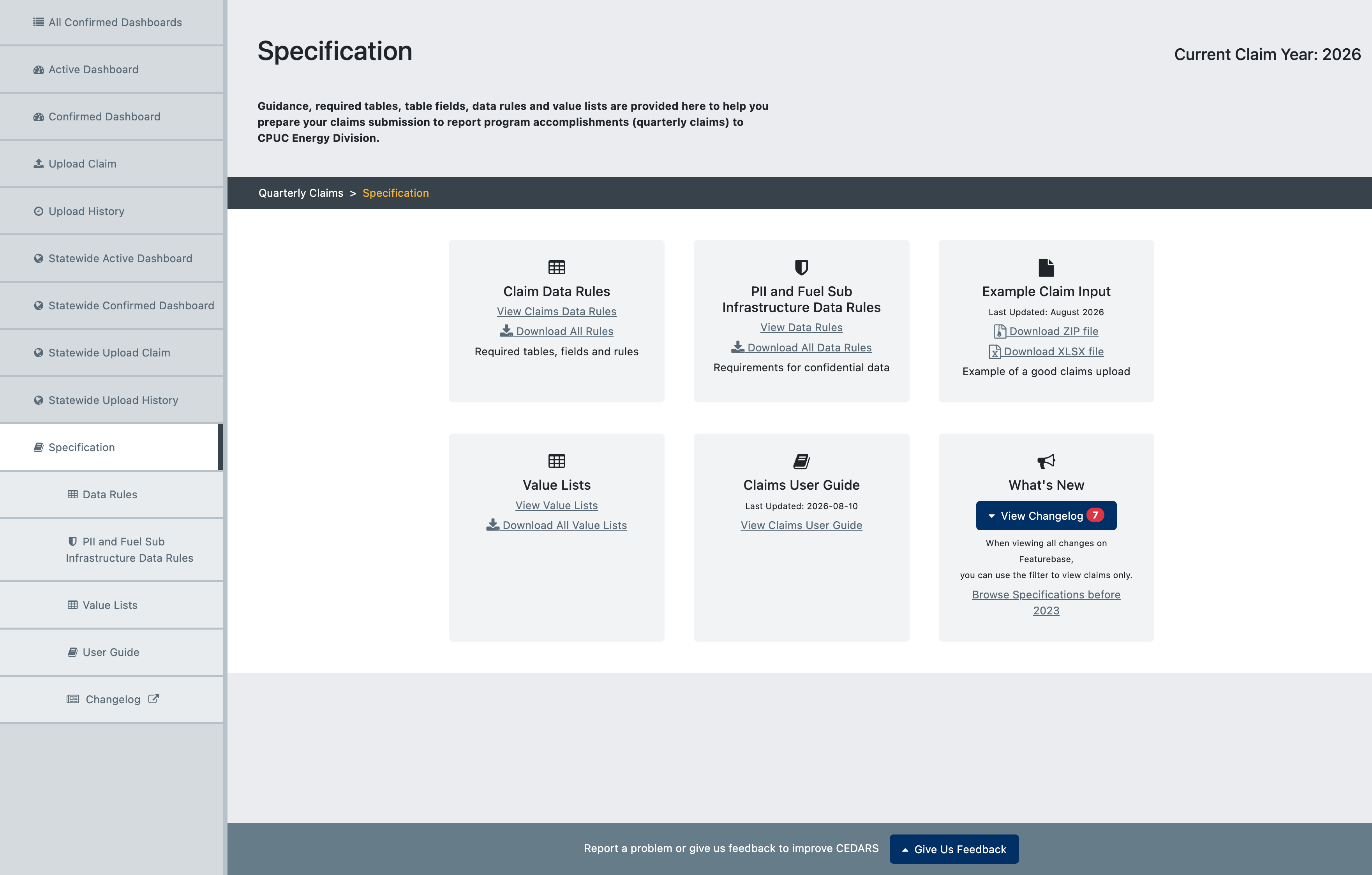
Specification File Downloads
The following file downloads have been updated to reflect the specification changes:
Claim Data Rules – All Rules
Example Claim Submission – ZIP file and XLSX file
Example claim submission files have been updated to reflect the finalized 2026 Claim Spec structure and validations, and are available in ZIP-compressed CSV and XLSX formats from the Claims Specification page, the Claim Data Rules page, and both the Local and Statewide Upload Claim pages.
Value Lists – All Value Lists, FuelID, ParticipantType, FundingCycle, MeasDetailID.
Fuel Sub Infrastructure
We've added additional information about Fuel Sub Infrastructure reporting to Claims Specification. The reporting of Fuel Sub Infrastructure data is completed outside of Cedars at the same time as Cedars claim submissions. The submission includes:
User Guide
The Claims User Guide has been updated to include additional guidance for the updated Specification, particularly regarding Participant table validation, SavingsDate generation, and Fuel Sub Infrastructure data.