
Changelog

Follow new updates and improvements to Cedars.

eTRM Sync History: see which Measure Packages were excluded, and why
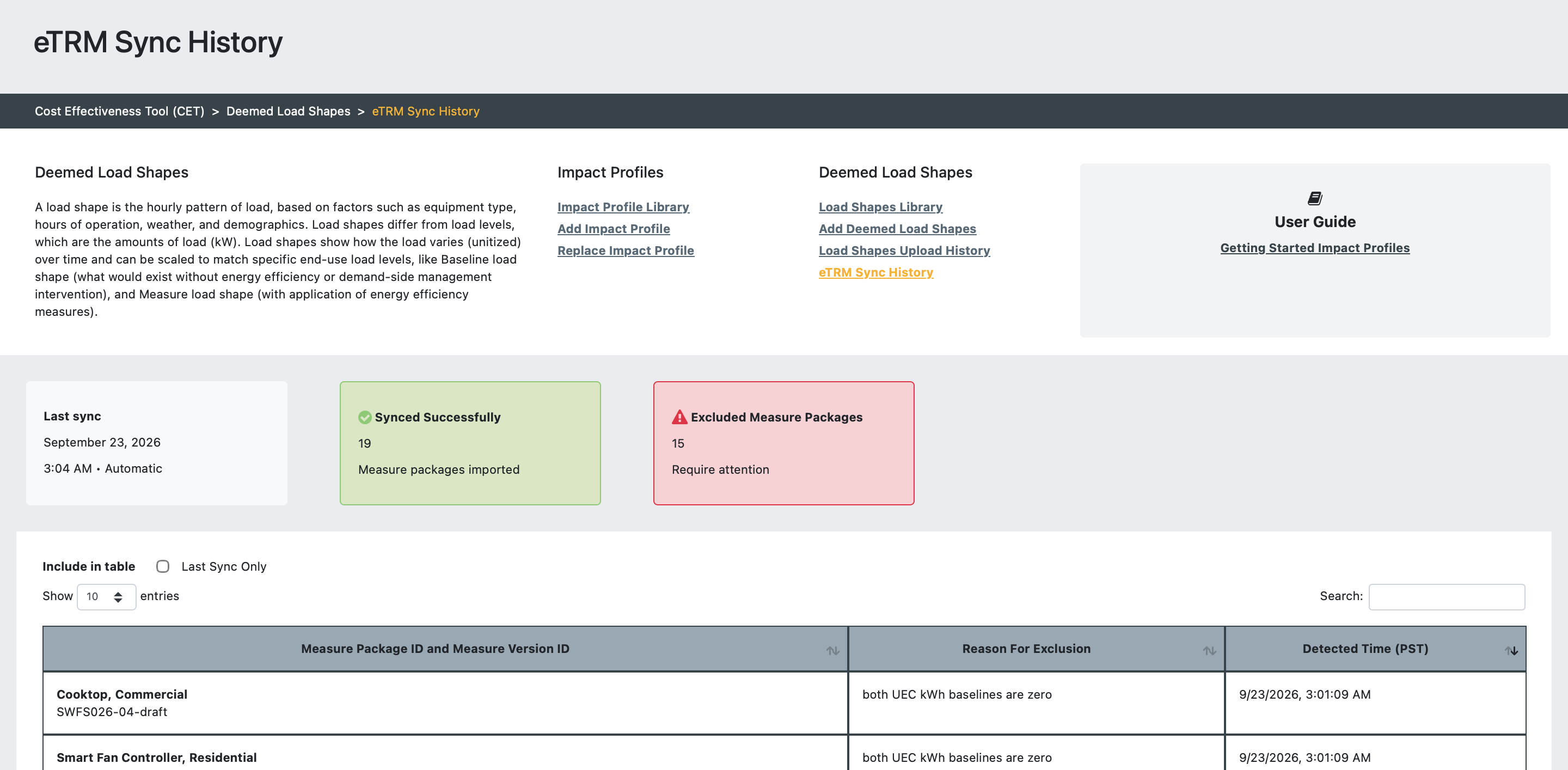
The eTRM draft measure package sync is now more resilient to invalid measure package data. Packages with problem data are excluded from the sync, and you can see which ones and why on the new eTRM Sync History page in the Load Shapes module.

What's new

  • A last successful sync date and time

  • Counts of Measure Packages imported and excluded in the last sync

  • A searchable, paginated table of excluded packages, showing the Draft Measure Package name, Measure Version ID, reason for exclusion, and detection timestamp

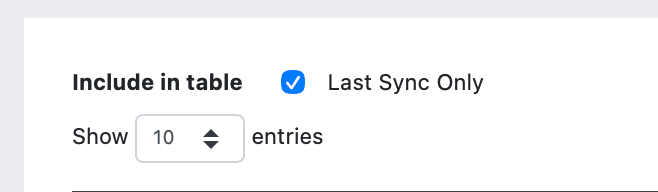
  • A filter to show only packages excluded in the most recent sync
  • Exclusion reasons for both UEC kWh baselines being zero, missing permutations, and UECkWhMeas being zero, plus a generic reason for any unexpected processing error

Where to find it

All users that have access to the CET can open it from the Load Shapes sub-navigation.

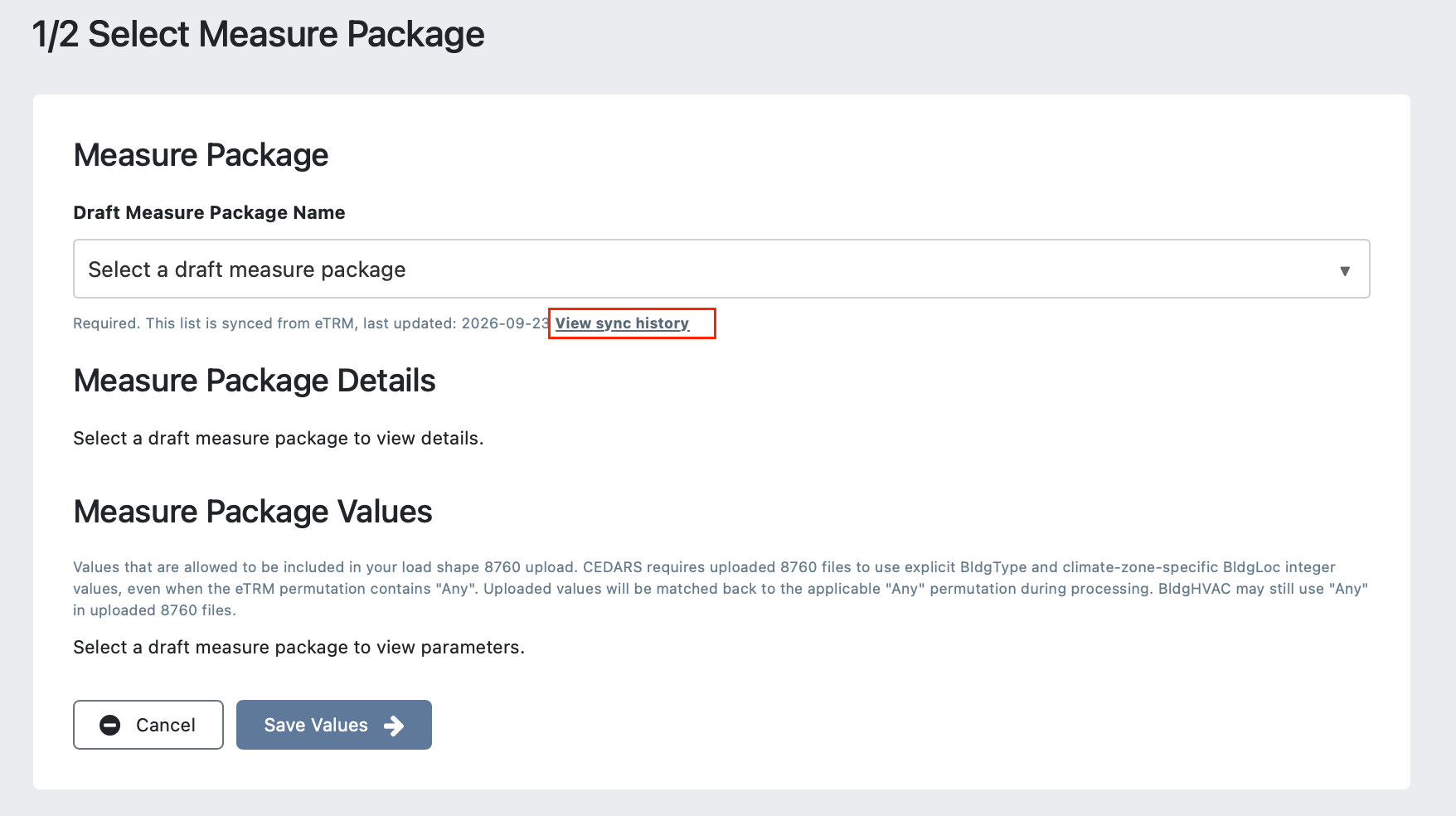
Measure developers can also use the View sync history link beneath the Draft Measure Package selector on the 1/2 Select Measure Package page.
Sort order changes for some Claim ID & Filing ID columns

As part of ongoing work to unblock critical platform upgrades, we've changed the data type of several Claim ID and Filing ID columns. The only visible effect is that some dashboard lists may now sort slightly differently.

Affected Columns:

  • Claim ID (e.g. SCE2016_Q1_0004770)

  • Filing ID (e.g. PGE-2025Q1-PGE_Pub_009-0256)

  • Program ID (e.g. SCE-13-SW-002G)

  • Site ID (e.g. SDGE3226-11202730)

  • CE Input ID (e.g. BAY-2024-EE-CZ2)

What to expect:

  • When IDs contain hyphens or underscores, some lists may sort differently. The new sort order places hyphens and underscores before alphanumerics. Previously, the sort order ignored hyphens and underscores.

  • The sort order remains case-insensitive (unchanged).
    E.g.: both of these sort orders on Program ID are valid:
    SW_ETP_Gas
    SW_ETP_Gas
    SW_ETP_GAS

    SW_ETP_Gas
    SW_ETP_GAS
    SW_ETP_Gas

Claims SavingsDate Output Validation and Guidance


Clarified SavingsDate as a CEDARS-Generated Field

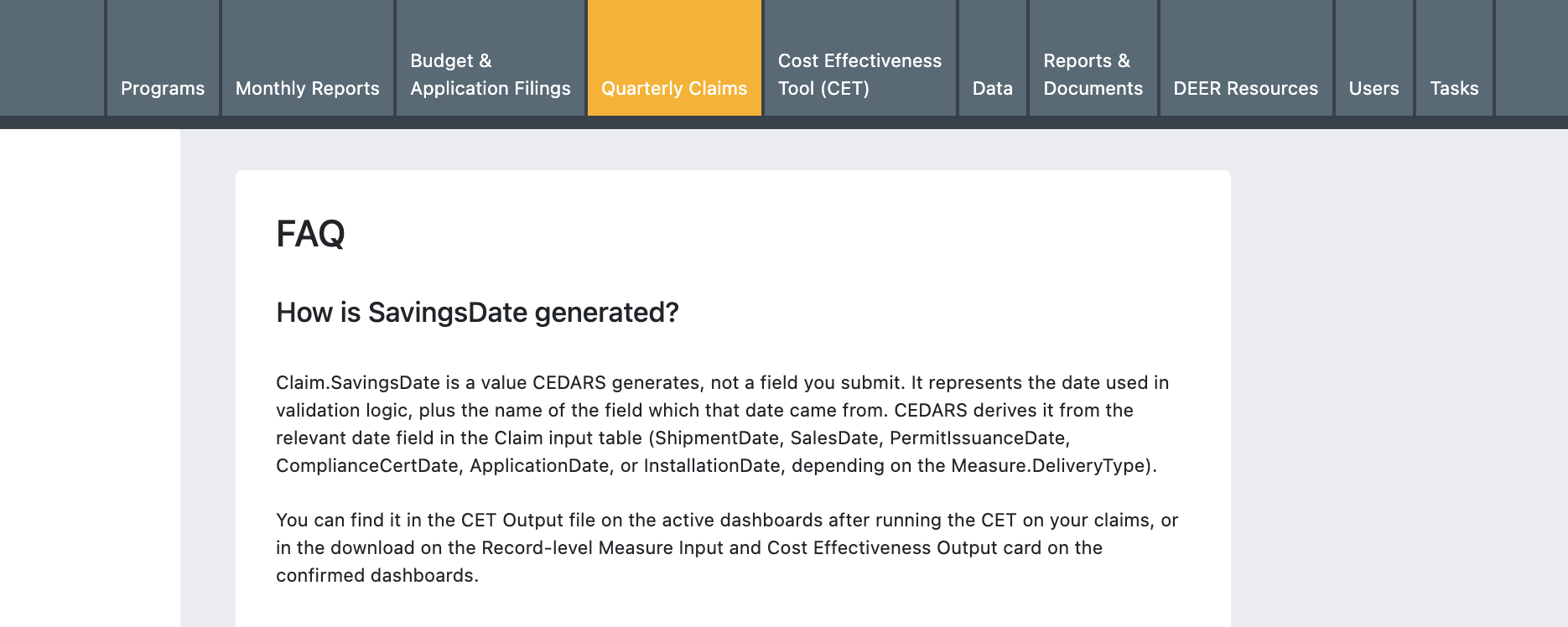
Claim.SavingsDate has been removed from the Specification as an input because it is a CEDARS-generated field. A description of how SavingsDate is generated has been added to the Claims User Guide.

SavingsDate Output Validation Updates

In 2026, new delivery types were added to the DEER DeliveryType value list. Validation was updated to include additional deemed values and to ensure that claims are deemed rather than custom.

  • 2026 DeliveryType values added: Down, DI, Mid-Retail, Mid-Distr, Up-Manuf.

  • All validations check that the Claim.ClaimType = ‘Deemed’.

When (Measure.DeliveryType = 'UpDeemed' & Measure.Upstream_Flag = 'true' & Claim.ClaimType = 'Deemed') or When (Measure.DeliveryType = 'Up-Manuf' & Claim.ClaimType = 'Deemed') 

- SavingsDate = ShipmentDate 
- If ShipmentDate is null, SavingsDate = ApplicationDate
When (Measure.DeliveryType = 'UpDeemed' & Measure.Upstream_Flag = 'false' & Claim.ClaimType = 'Deemed') or When (Measure.DeliveryType in {'Mid-Distr', 'Mid-Retail'} & Claim.ClaimType = 'Deemed') 

- SavingsDate = SalesDate 
- If SalesDate is null, SavingsDate = ApplicationDate

When (Measure.DeliveryType = 'DnDeemed' & Claim.ClaimType = 'Deemed') or When (Measure.DeliveryType = 'Down' & Claim.ClaimType = 'Deemed') 

- SavingsDate = PermitIssuanceDate 
- If PermitIssuanceDate is null, SavingsDate is set to the earliest date of ApplicationDate, InstallationDate, or ComplianceCertDate
When (Measure.DeliveryType = 'DnDeemDI' & Claim.ClaimType = 'Deemed') or When (Measure.DeliveryType = 'DI' & Claim.ClaimType = 'Deemed') 

- SavingsDate = PermitIssuanceDate 
- If PermitIssuanceDate is null, SavingsDate is set to the earliest date of ApplicationDate or InstallationDate

Earlier updates