
Changelog

Follow new updates and improvements to Cedars.

Program Visibility Update for Community and Public Users
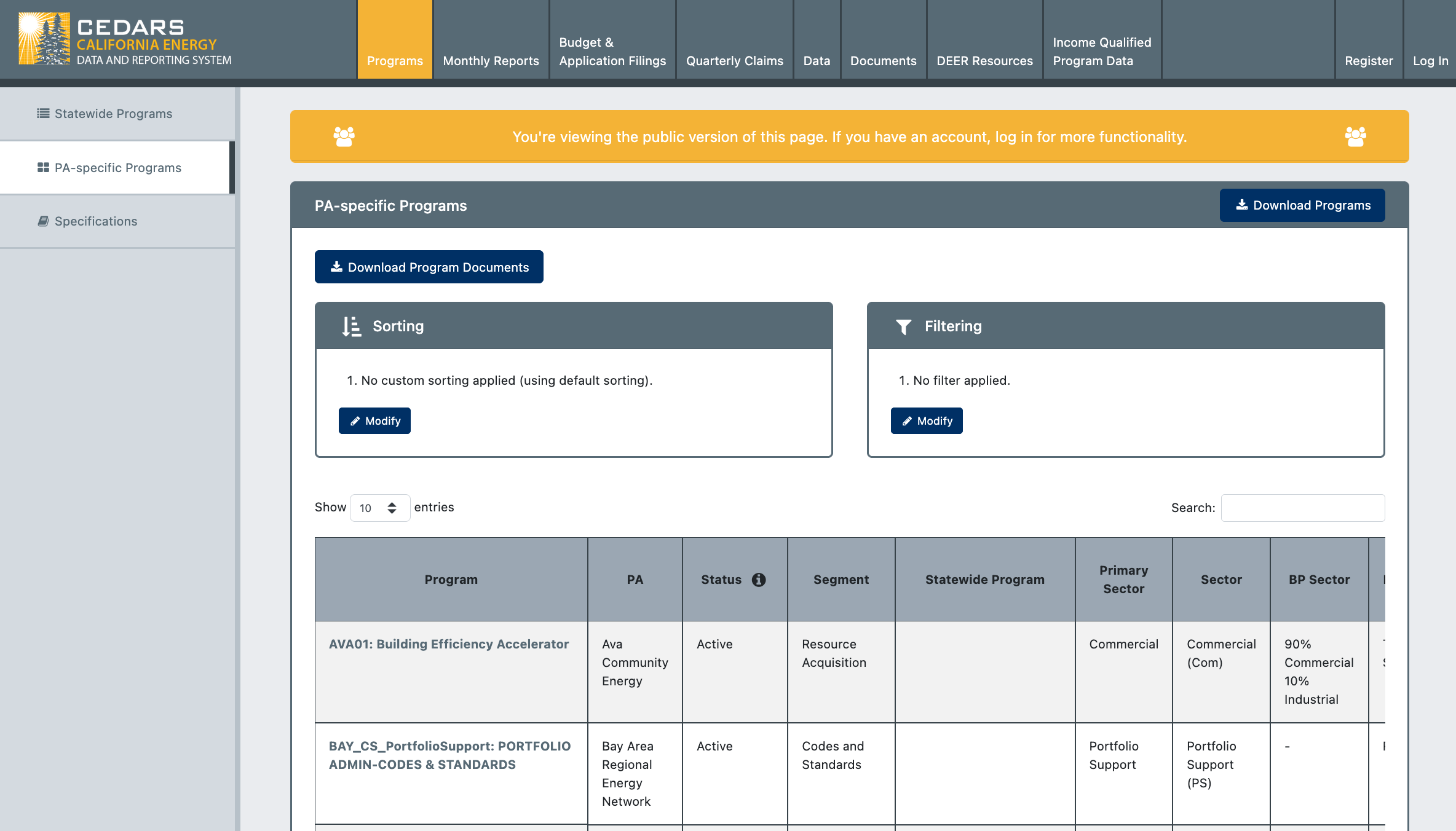
We’ve updated program visibility on the PA-Specific Programs tab for community and public user types to improve data access and consistency across user types.

Community Users (Logged In)

  • Can now see New programs (i.e., planned programs without an approved advice letter or uploaded Implementation Plan, including placeholders for pending or active solicitations)

  • Can now see programs marked Closed or Closed to New Commitments

Public Users (Not Logged In)

  • Can now see New programs (as defined above)

  • Programs marked Closed or Closed to New Commitments are hidden

The ability for all user types to see active programs remains unchanged.
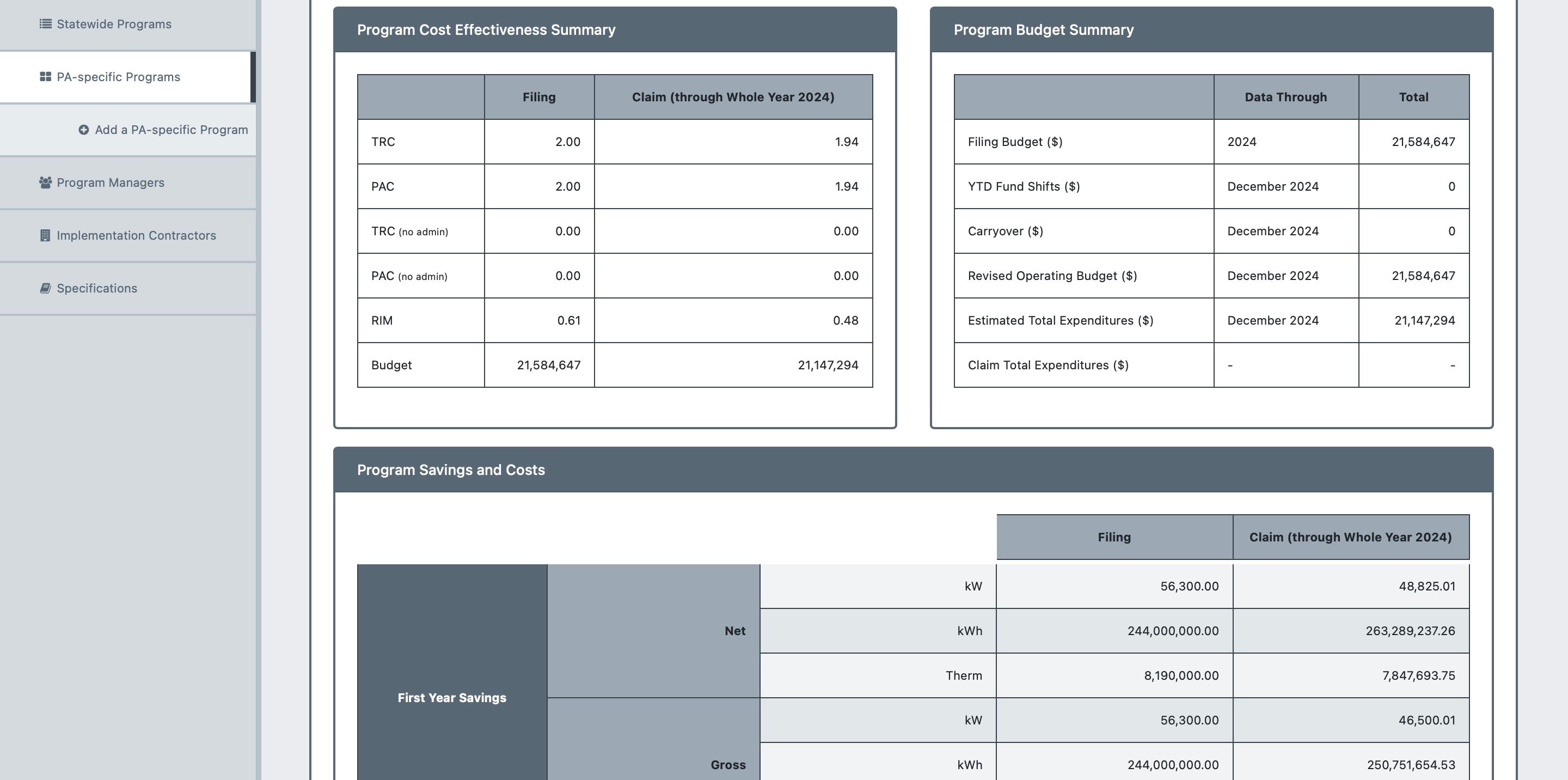
Enhanced Program tables with Search Auto-filter and More

We’re excited to introduce a range of table improvements across all modules designed to make finding the information you need easier and more intuitive.

Improved Data Filtering

  • Search Bar Integration on Program Tables: Locate specific programs quickly with our new search bar. This feature auto-filters your results, significantly enhancing your search experience.

  • Enhanced Sorting and Filtering: The search bar now supports sorting and filtering for both Programs and Budget Filing, allowing you to narrow down results efficiently.

  • Added Pagination to Tables: Pagination improves performance, user experience, and readability by displaying a manageable subset of data from large tables. This enhancement reduces memory usage and facilitates better navigation.

Accessibility Enhancements

  • AA Compliance for Table Headers: All table headers have been updated to comply with AA accessibility standards, featuring a new color of #212529.

  • Design Improvements: Minor design tweaks have been implemented, including left-aligning subheading cells for better readability.

Earlier updates