MCAL Budget Filing: Unable to Download CE data
I’m seeing an error page upon selecting the Cost Effectiveness (CE) download buttons.
In the Budget Filing Module,
Go to budget filing dashboard
Click on Download Budget Filing Cost Effectiveness Data.
I am seeing the error page shown below.
https://cedars-3.cpuc.ca.gov/filings/download/programs-data/PGE/2026/Also, Go to budget filing list
Under Budget Filings for 2026, select Download button in the Cost effectiveness column.
I see the same error message below for both scenarios listed above in #1-2.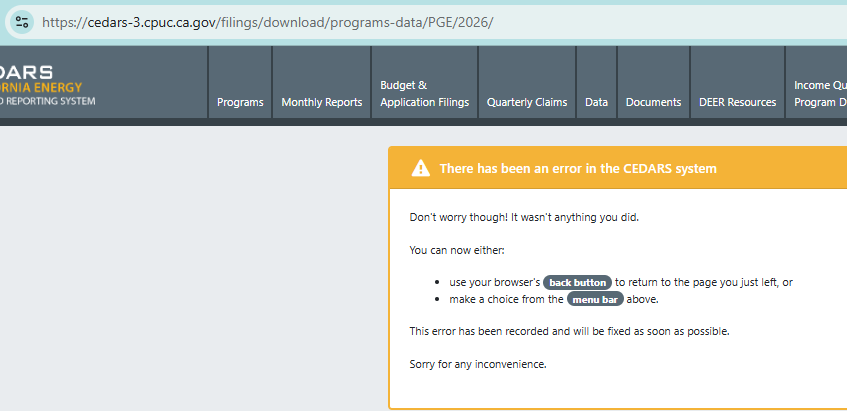
- Environment
- Testing cedars-3
- Select user type
Log in to comment and vote
Comments2
Derya Gumustel
Aug 13, 2025
Hi @RoopaReddy_PGE, I just deployed a change that might fix this. Could you try downloading the CE files in the Budget Filing module again and see if it works as expected now? Let me know if you’re still getting an error or if the download files don’t look like what you were expecting.
Roopa Reddy
Aug 13, 2025
Hi @Derya Gumustel CE files download is working now. Thank you.