Data tab: Download record-level data for a single PA
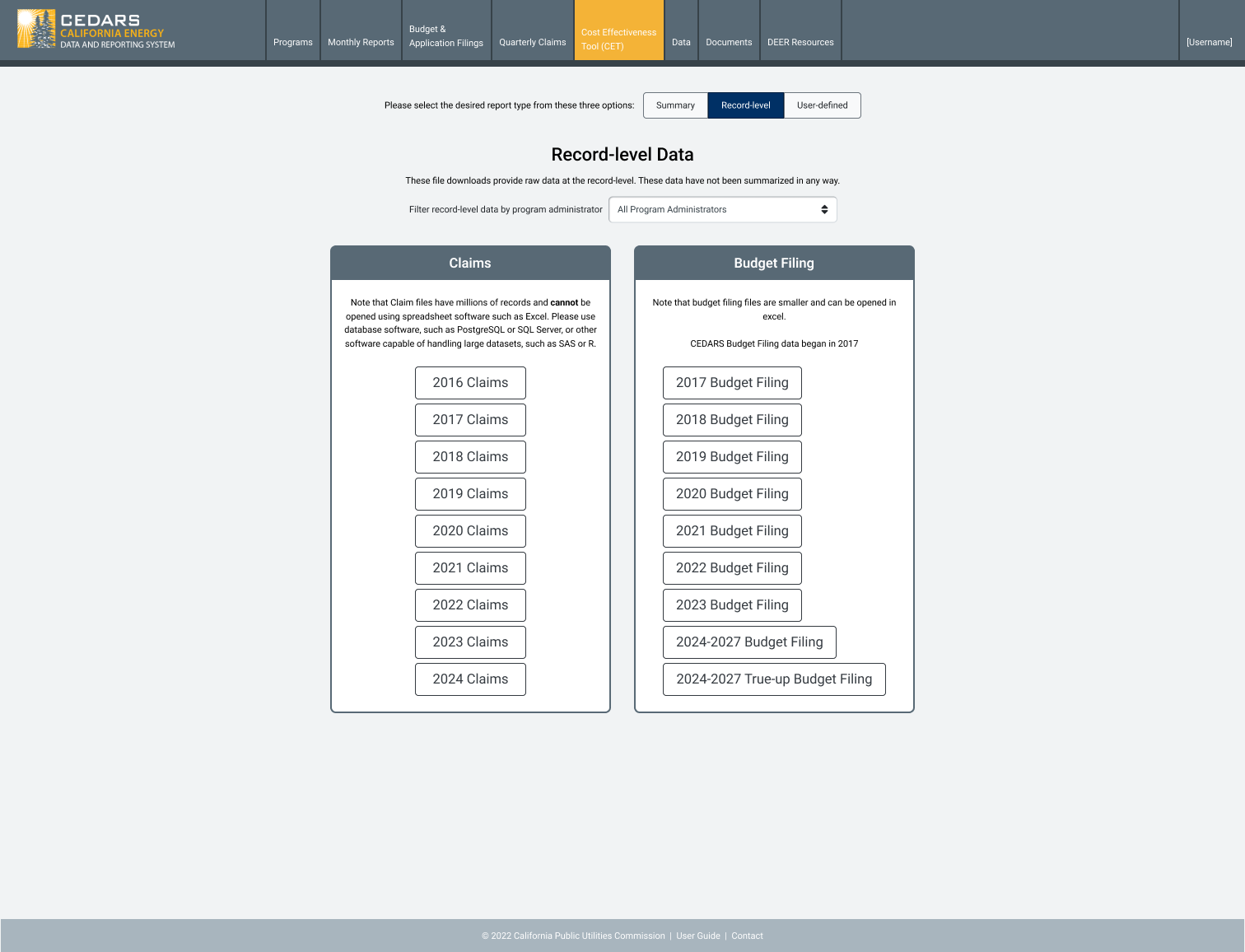
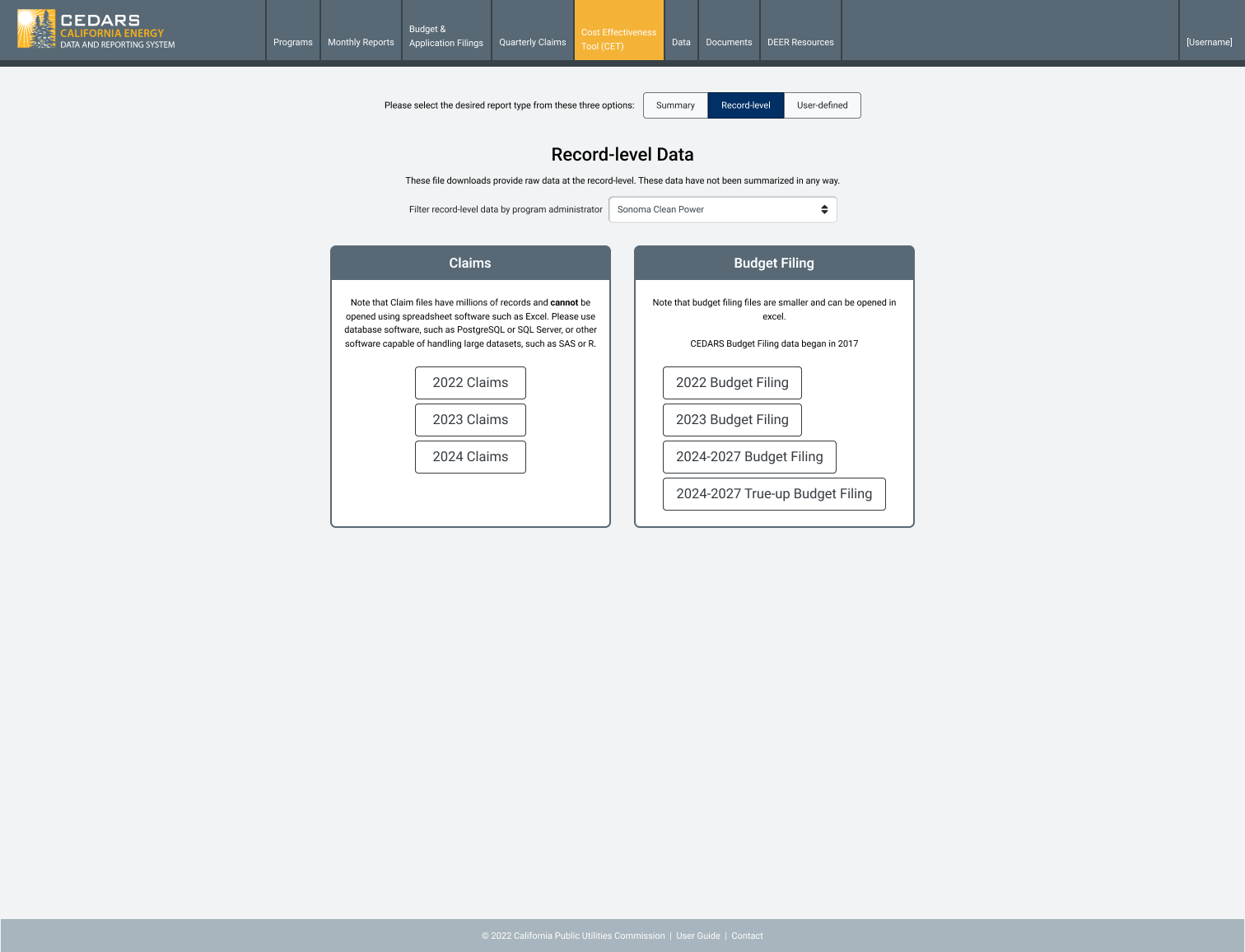
On the data tab record-level download page, allow individual PA downloads for all years for claims and budget filings.
Our goal is to provide smaller PA-specific downloads to improve usability for data consumers.
Nice to have:
- Multi-select PAs
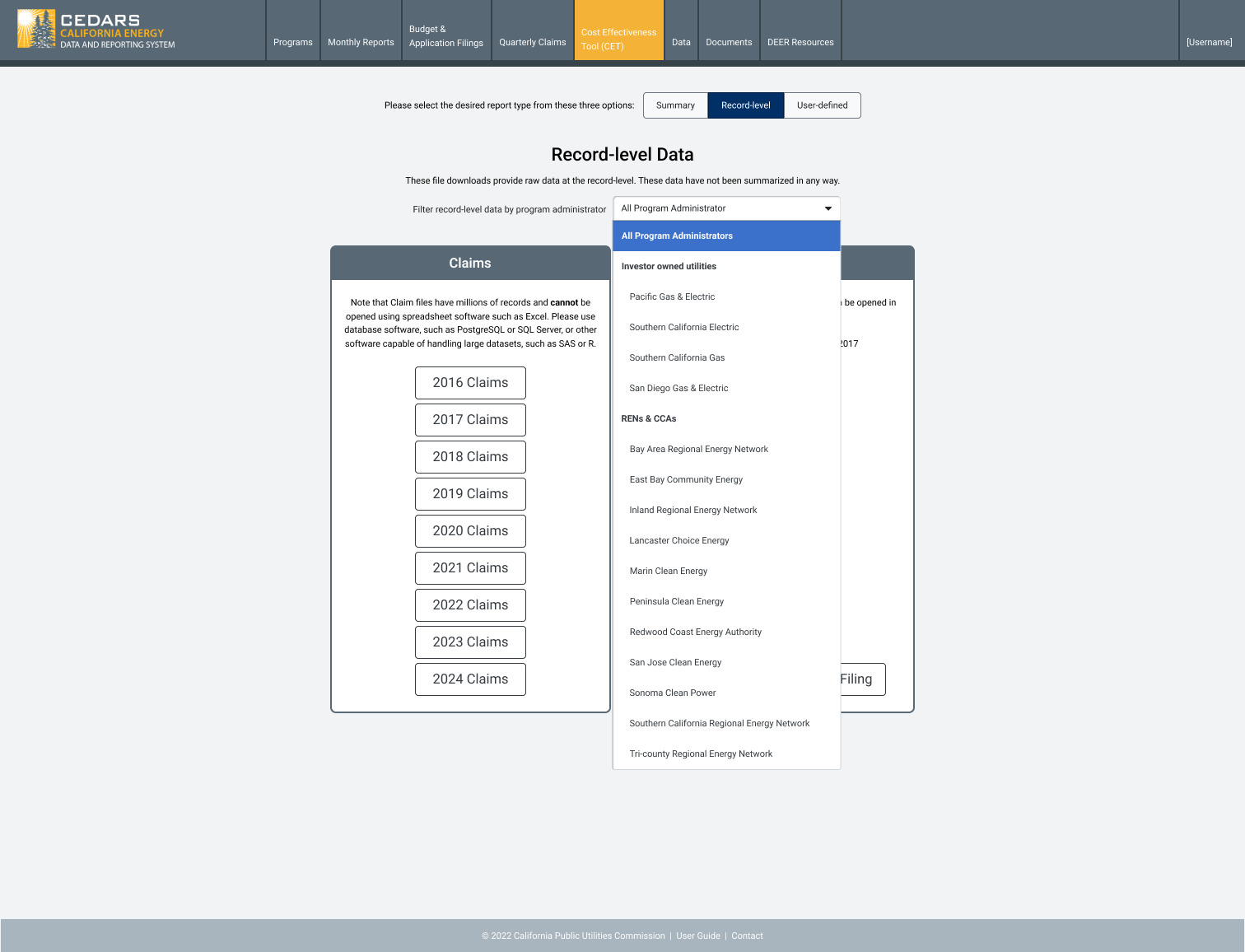
- Download IOU and all CCA/RENS within their territory
Design concept
Default view
Dropdown open
Filtered by PA
- Select the module in CEDARS
- Select user type
Log in to comment and vote
Comments10
Jennifer Scheuerell
Oct 18, 2024
This work is live for testing on the testing server. @akulka could you please email our testing volunteers?
Jennifer Scheuerell
Jul 6, 2024
Assigned task priority 5 out of 14 in Motive Power ADP ranking.
Jennifer Scheuerell
Jul 10, 2024
High level development estimate (in person-sprints)
Research: 0.5
Design: 0.5
Database development: 0.5
Website development: 0.5
Roopa Reddy
Sep 12, 2024
Here are some use case scenarios I can think of:
Allow "individual" PA download for a "specific" year for claims and budget filings
Allow "one or more PAs" download for a "specific" year for claims and budget filings
Allow "individual" PA download for "all" years for claims and budget filings
cedars team
Oct 23, 2024
We have fixed the 2023 missing Claims issue for the individual PAs, and this is now on testing.
Still to complete is
2023 Claims for All Program Administrators
Making the dropdown stand out more
Changing the guidance
Attached is the proposed change to the design.
cedars team
Oct 23, 2024
The updated design is now on testing to view https://cedars-testing.sound-data.com/reports/record-level/all/
Amyreardon
Oct 25, 2024
When I downloaded the 2023 files for all PAs, I noticed that SDG&E was so large it didn’t open on my computer. (We talked about this a little during our backlog call on Australian Friday.)
Is there anything we can do about files sizes (splitting them in two, compressing them?) I realize this is not an easy question.
cedars team
Oct 29, 2024
I’d like to get this piece of work out on production, so I’ll carve the file size issue off as a separate piece and subscribe you to the ticket.
There is some tension regarding the use of record-level files here. PAs and SMEs may prefer to have all records in one file to review a PA’s entire portfolio and facilitate searching. So it is a tricky one.
From my testing, I found that Excel could open files under 1GB, but this will differ between user devices, so there’s no easy rule for the correct size.
We'd love to work with you to identify the best approach to breaking down the bigger files to make them accessible to all users.
Amyreardon
Oct 29, 2024
Certainly; we can keep working on this one to find a solution for edge cases like me.
cedars team
Oct 30, 2024
I’ve created a separate ticket for the timestamp issue as this is now holding up the deployment of this work
https://cpuccedars.featurebase.app/p/data-tab-fix-record-level-zipped-files-defaulting-to-a