New Load Shapes User Guide
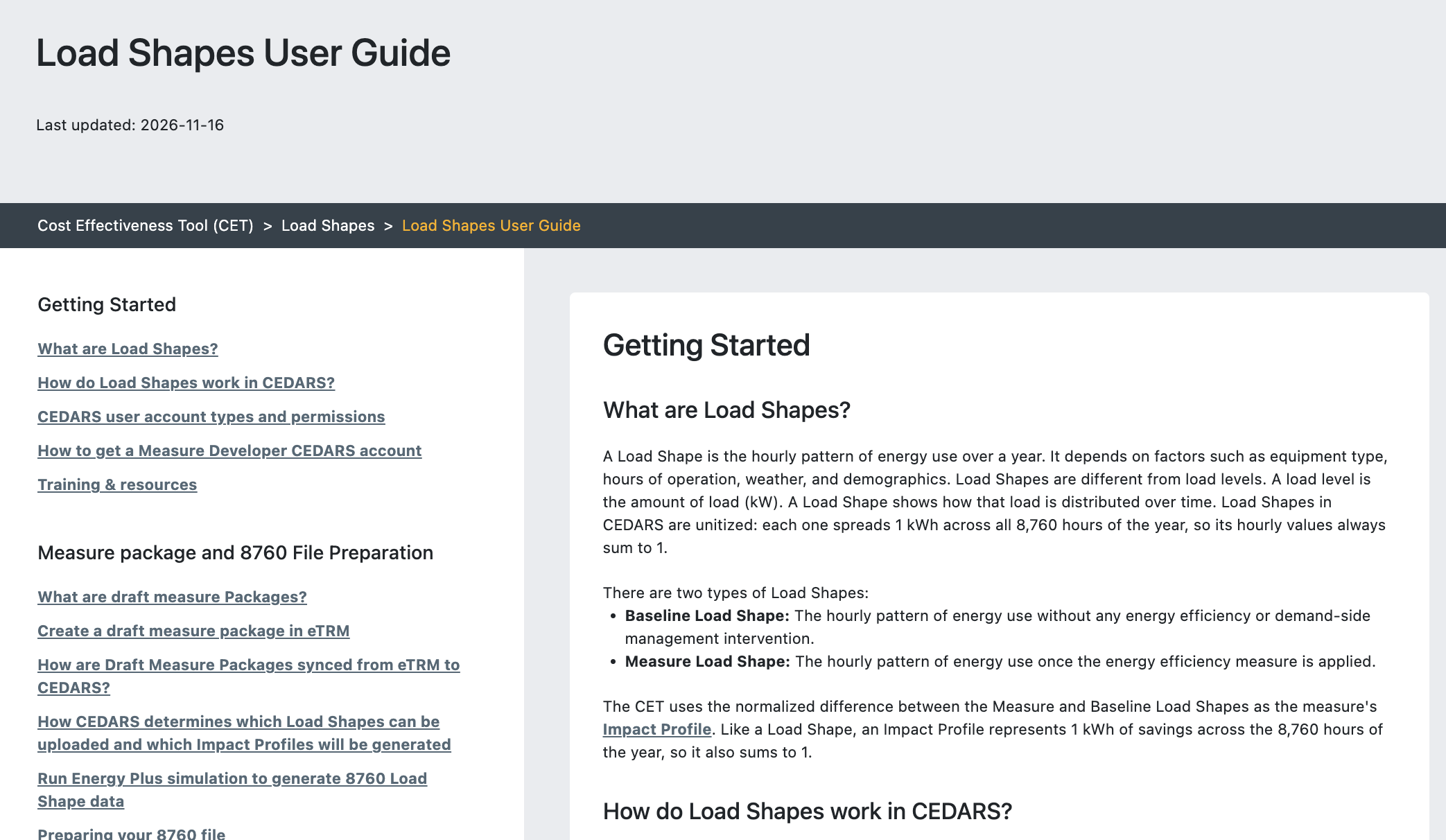
The Load Shapes User Guide has been added to the Load Shape Library to provide step-by-step guidance for bringing Load Shapes into CEDARS and generating Impact Profiles for cost-effectiveness analysis.
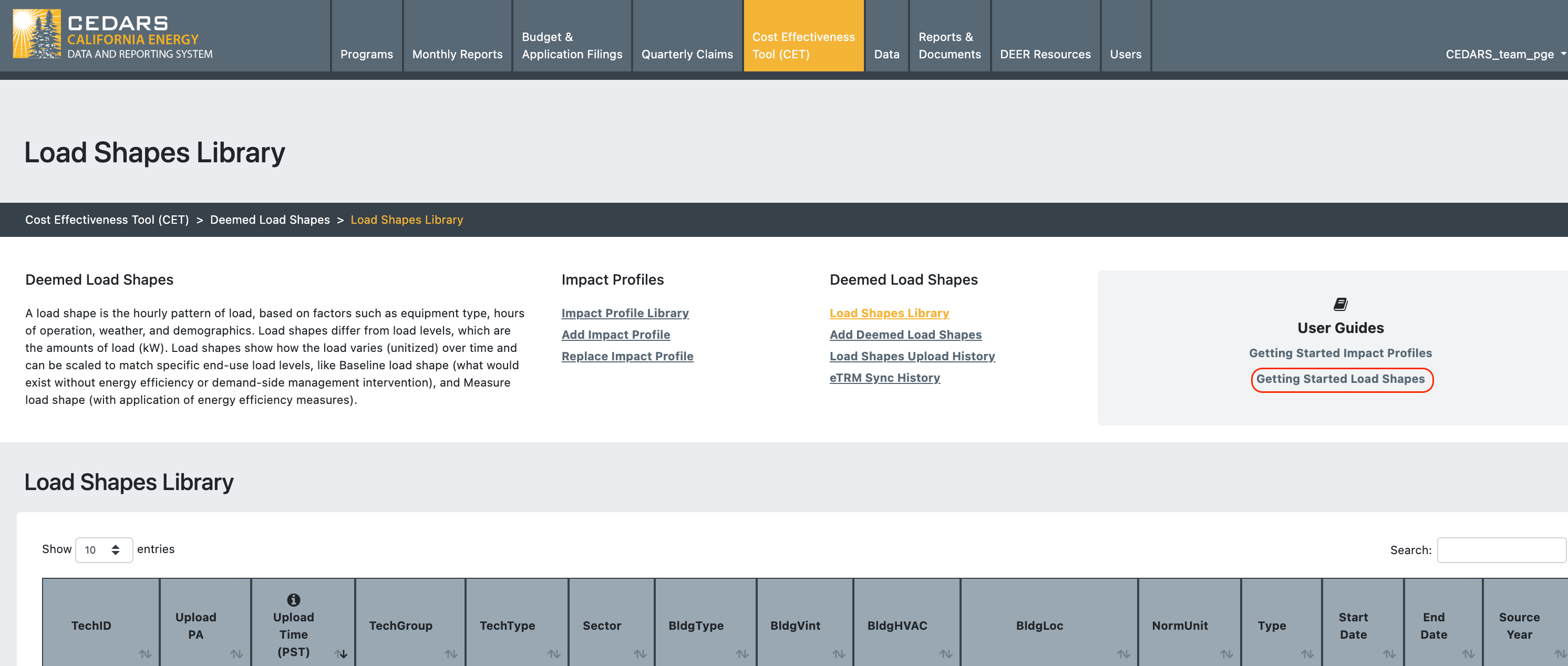
The User Guide is accessible via the Cost Effectives Tool (CET) module > Impact Profiles & Load Shapes > User Guides card > Getting Started Load Shapes link, for all authenticated users.
The User Guide provides:
Overviews of Load Shapes and the Load Shape workflow in CEDARS
Information regarding relevant user account types and permissions
Links to additional training materials
Guidance regarding how draft measure package are handled
8760 file preparation guidance
Load Shape upload and validation details
Load Shape derived Impact Profile generation details
Information regarding how Load Shape derived Impact Profiles are used in the CET
Load Shape and Impact Profile replacement details
Further details regarding advanced topics such as matching Load Shapes to measure packages, Accelerated Replacement, dual baseline measures, and NR/NC permutations
An FAQ section.